
User Friendly CNC Controls, Turn-key professional service for Milling Machines, Lathes, Routers, Plasma, Laser & special applications. Do-It-Yourself professional grade CNC control kits
INTERCON Conversational CNC Part Programming software for Mill, Lathe, and Plasma
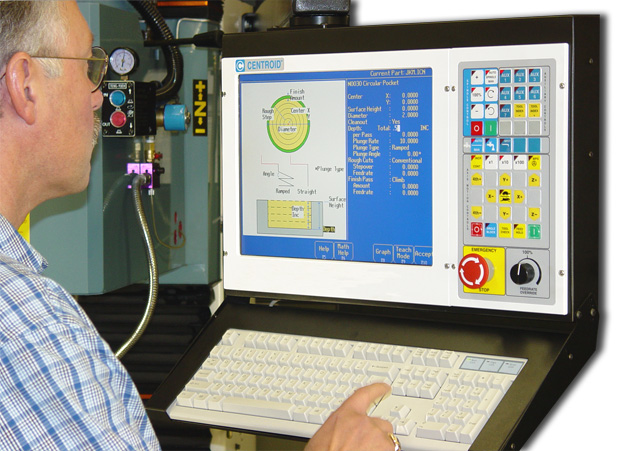
Whether you have a part sketched out on the back of a napkin or a professionally created CAD drawing you'll be able to quickly create part programs with INTERCON, CENTROID's part programming software. With INTERCON you can create part programs by simply entering the dimensions from your print OR by using a DXF file (CAD drawing). INTERCON is available for both Mills and Lathes.
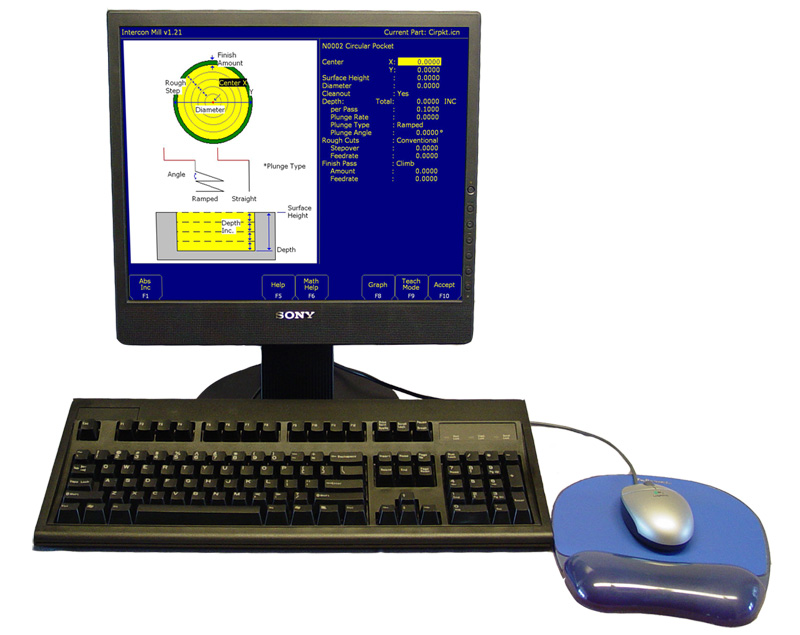
Offline version of INTERCON conversational programming, for use with Windows desktop PC*
Mill, Lathe, and Plasma Intercon
- For those that do not want to use or learn a CAD/CAM system to make CNC parts.
- Program parts in the comfort of your office.
- Program while the machine is running a job.
- Easy part program transfer from your PC to the control via LAN or USB.
- True G-code back plot graphics, see exactly what the machine tool path will be.
- Use on the same PC as your CAD system.
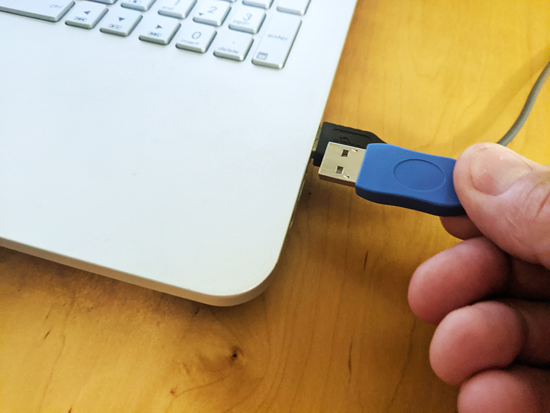
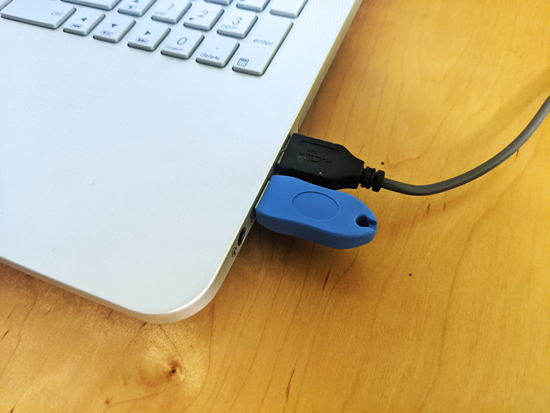
- A USB Keylock allows user to install software on as many computers as they want.
- Note: The USB does not contain any software, it will not appear as a USB storage drive. The software will detect when the USB Keylock is plugged in and will unlock the full features at that time.
- Offline programming USB keylock is shipped the next business day.
- Works with Windows 7/8/10/11*
- Requires CNC12 version 4.20+ (Download here)
- Manuals with tutorial examples.
- Download Mill, Lathe, offline conversational programming software here
- Download Plasma offline conversational programming software here
The offline programming software runs without USB keylock but limited to 20 lines of Intercon. Plug in the USB keylock for unlimited conversational programming operation. Installation instructions here!
INTERCON Features and Highlights
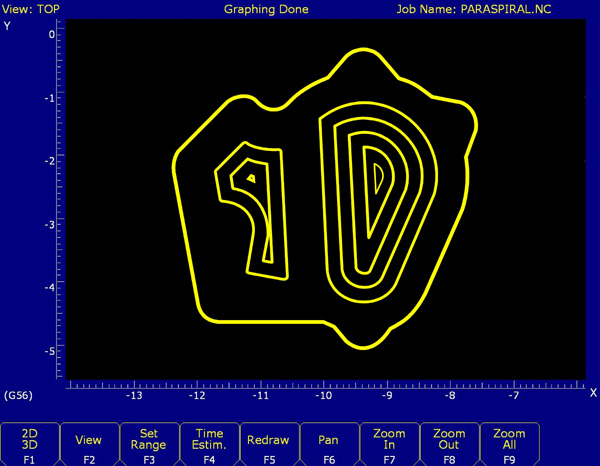
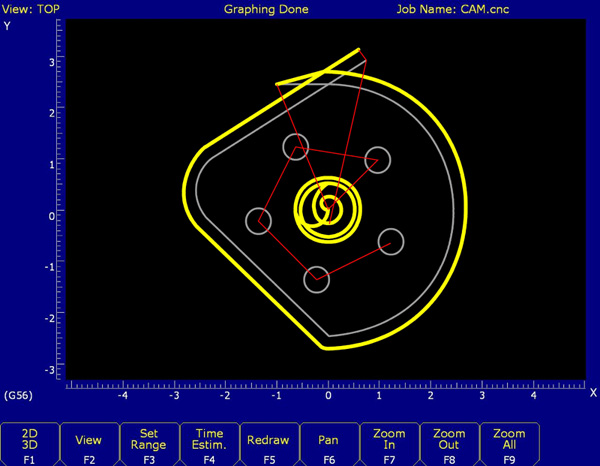
Onion skin pocket cleanout
This advanced cleanout technique is fully automatic and is used for all types of pocketing in INTERCON. Circular, Rectangular, Irregular and even pocketing with Island Avoidance. Spiral cleanout yields faster cleaner pocketing with better surface finishes and longer tool life.
Preprogrammed Canned Cycles
Fill in the blank format, fast and easy part creation.
Bolt Hole circles, Bolt hole Array, Three types of drilling cycles, Compression Reversing and Rigid Tapping cycles, Boring cycles, Circular & Rectangular Pocketing, Frame milling, Facing cycles, Lines, Arcs with auto corner radius, Auto Cutter compensation, Canned subprograms: Mirror, Repeat, Depth repeat, Rotate, Threadmilling, irregular pocket cleanout, Pocketing with Island avoidance, Auto finish pass generation, Help screens and more!
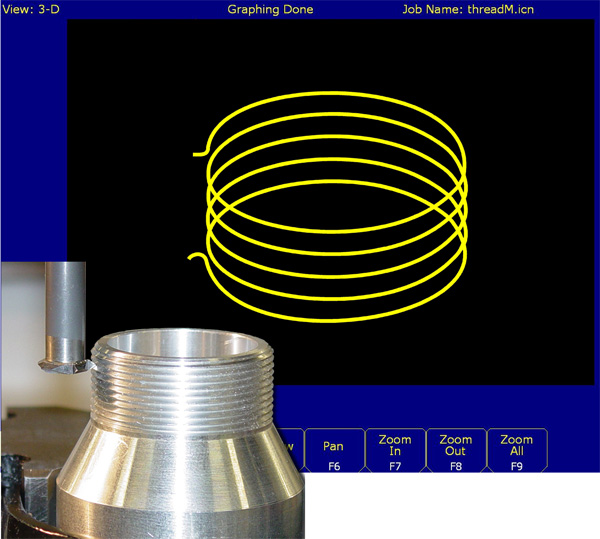
Make threads with your Milling Machine with INTERCON's built in Threadmilling Canned Cycle!
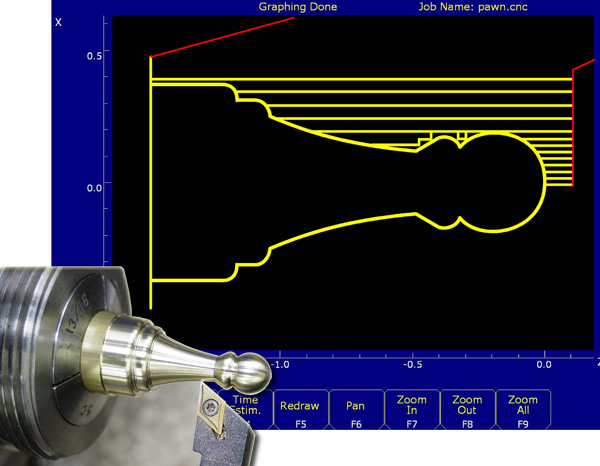
Lathe Conversational Programming
Fill in the blank: Profiling, Threading, Grooving, Facing, Turning, Tapering, Drilling and Tapping, Auto Chamfer, Line, Arcs, Cutoff, and more..
Automatic profile cleanout, Intercon automatically creates the roughing and finish passes you just enter in the final dimensions.
Help screens for all the common turning cycles, just fill in the dimensions.
Graph you work as you go. Creates the G codes for you.

Irregular Pocketing with Island Avoidance
Now you can create parts with INTERCON that normally would have to be programmed offline with an expensive CAD/CAM system. This standard feature of INTERCON saves you the time of learning a complex CAD/CAM system and the expense of buying it.
Simply enter the dimensions of your part OR import a DXF CAD drawing* to define the pocket shape and islands to avoid. Answers a few questions like: How deep? How fast? What tool? What to leave for a finish pass etc.. and Intercon automatically generates roughing and finish passes! Instantly view a graph of your part while you are programming; allows you to make changes on the fly.
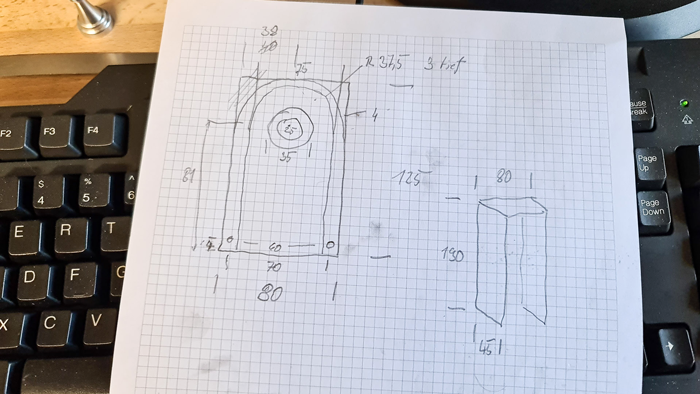
Print to part in 5 minutes by Uwe Mattern
1). Make sketch, Uwe used graph paper and a pencil but even the back of a napkin will do just fine.
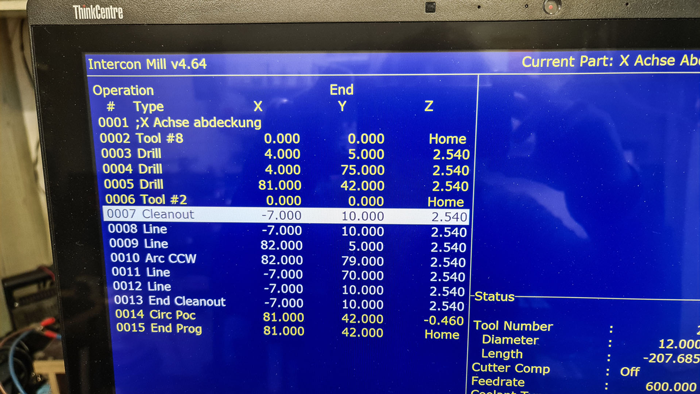
2). Type in dimensions in Intercon and select cycle type
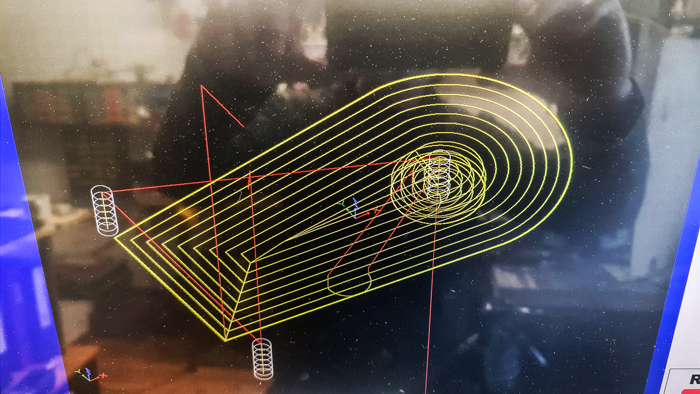
3). Intercon creates G code on the fly, backplot G code at any point to check your work as you go.
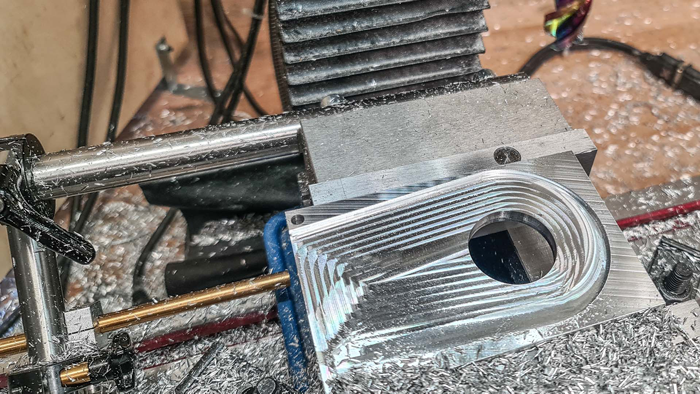
4). Machine the part. Uwe says this part tool him five minutes from skecth to machined part using pencil, paper, Intercon and the Acorn CNC controller.
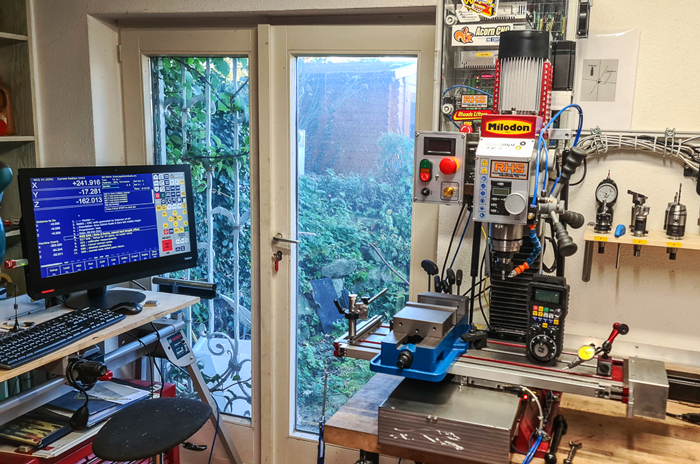
Uwe's CNC conversion with Centroid CNC12 and the Acorn CNC controller. More info on this machine here.
Watch Uwe Mattern design a part in Fusion 360 then design it faster using Conversational Programming!